Your Cart
Loading

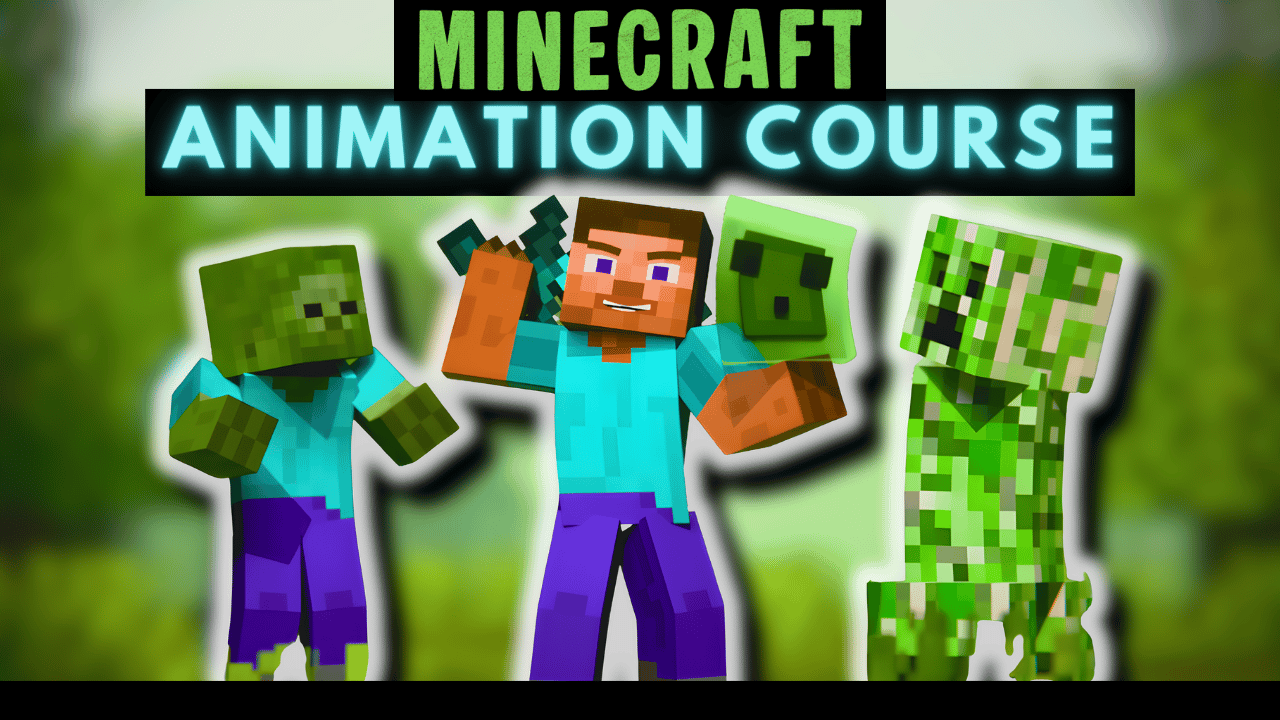
The Ultimate Minecraft Animation Course

Master Blender Tools

Make Epic Cinematic Animations

Bring Your Stories To Life

DISCLAIMER (Udemy)

This course is also available on Udemy, which constantly gives discounts, so if you prefer to get it there

CLICK THIS LINK


However, if you prefer to learn here and get the course at a full price, and support me as a creator, then you can continue here and scroll down for more information.


Enjoy 💜

Course Introduction

Chapter 1: Introduction

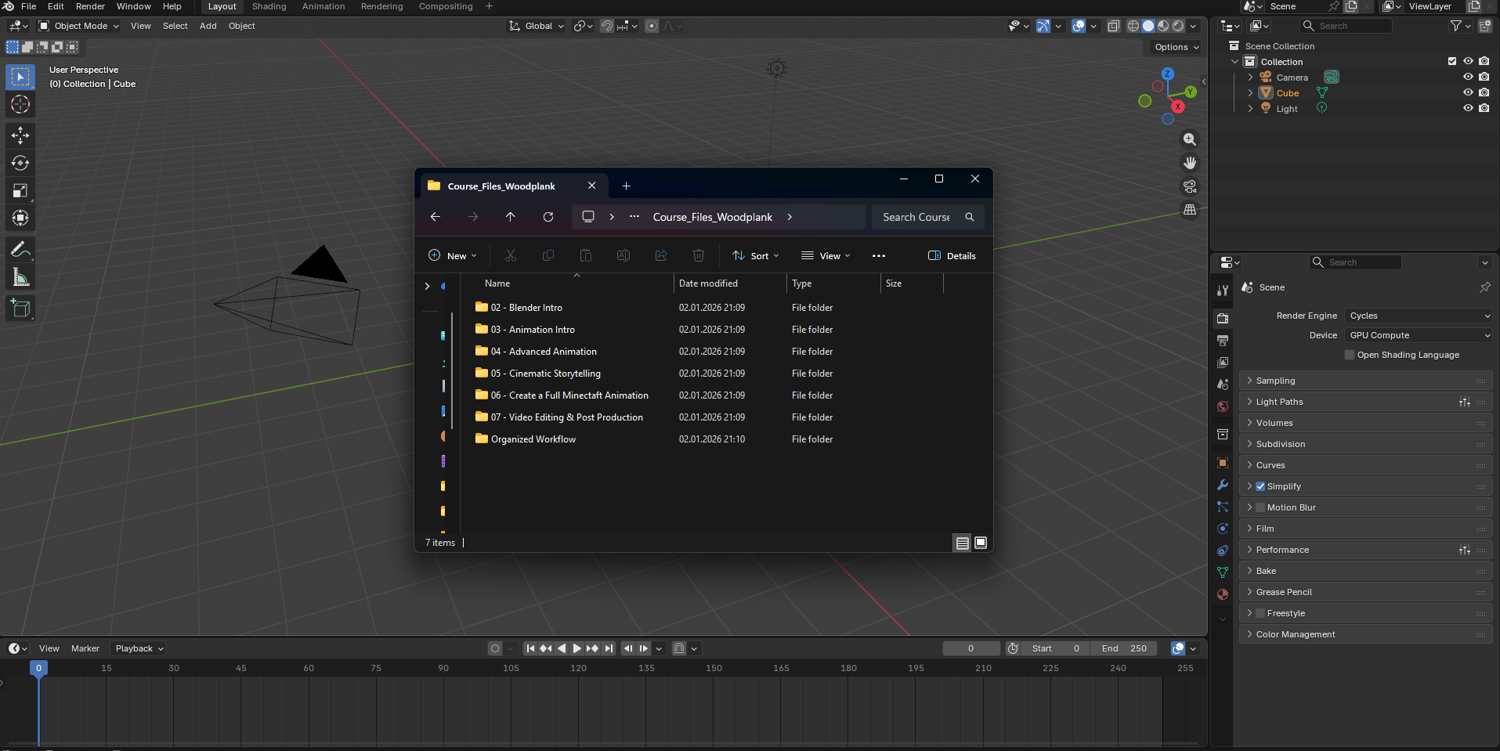
  • Quick Intro and Download Project Files to follow along with the course

Chapter 2: Blender Basics

  • Basics: Navigation, Selection Tools, Location, Rotation, Scale, Origin Point, Global vs Local Space, Panels and Windows, Creating & Deleting Objects, Duplicating Objects.
  • 3D Modeling: Basics, Extrude, Inset, Bevel. Loop Cut, Proportional Editing, Duplicating vs Instancing, Advanced Object Manipulation, View Modes
  • Texturing: Basics
  • Lighting: Sun Light, Spot Light, Area Light, HDRI Light, Sky Texture
  • Animation: Basics, Timeline, FPS, Keyframe, Auto Keyframing, Keying Set, Keyframe Interpolation.
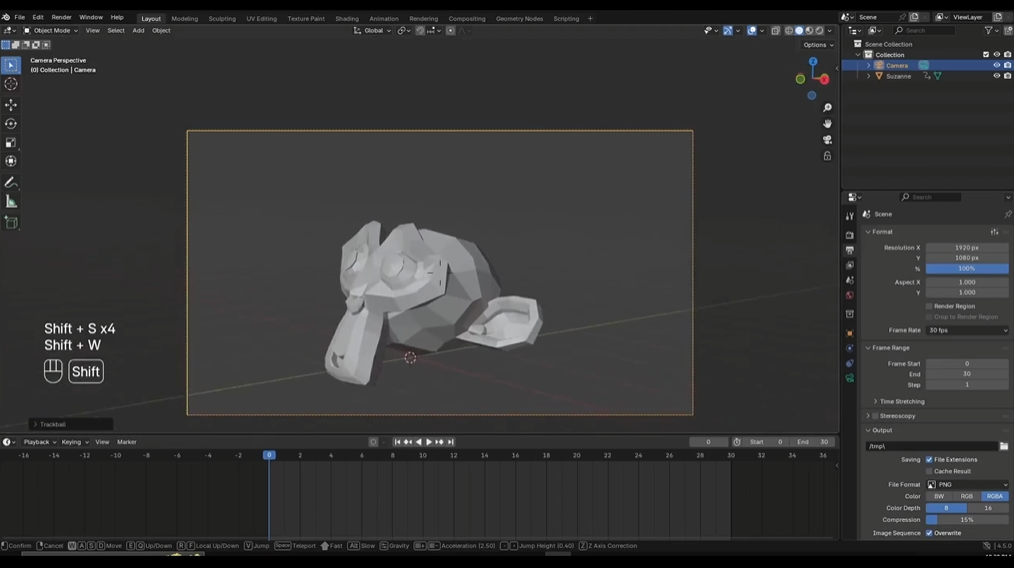
  • Navigation: Camera Movement, Changing Preferences, Camera Animation
  • Rendering: Image Sequence, Compositing Effects (Glare, Brightness, Contrast, Chromatic Aberration, and more)
  • Download and organize the Essential Tools for Minecraft Animations

Chapter 3: Animation Deep Dive

  • What is Animation?
  • Animation Styles
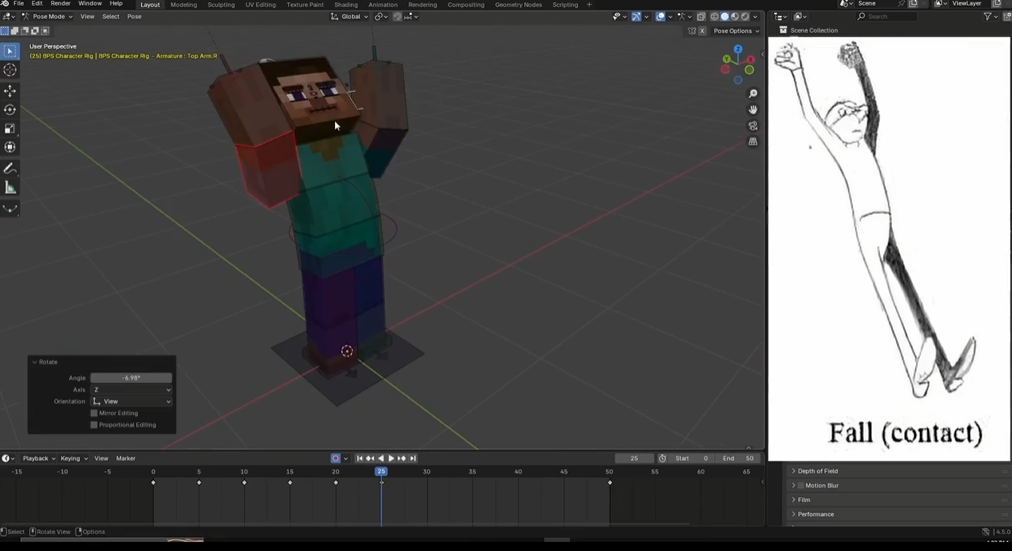
  • The 12 Principles of Animation
  • Basic Animation (Repeat Exercise)
  • Changing the speed of Animation
  • Keyframe types
  • Timeline & Playback
  • Markers
  • Armature
  • Make a Bouncing Slime Animation - Start to Finish
  • Looping Animations
  • Character Animation Introduction
  • BPS Rig V4 Introduction
  • Breathing Loop Animation
  • Animation Workflows
  • Jumping Animation

Chapter 4: Advanced Animation

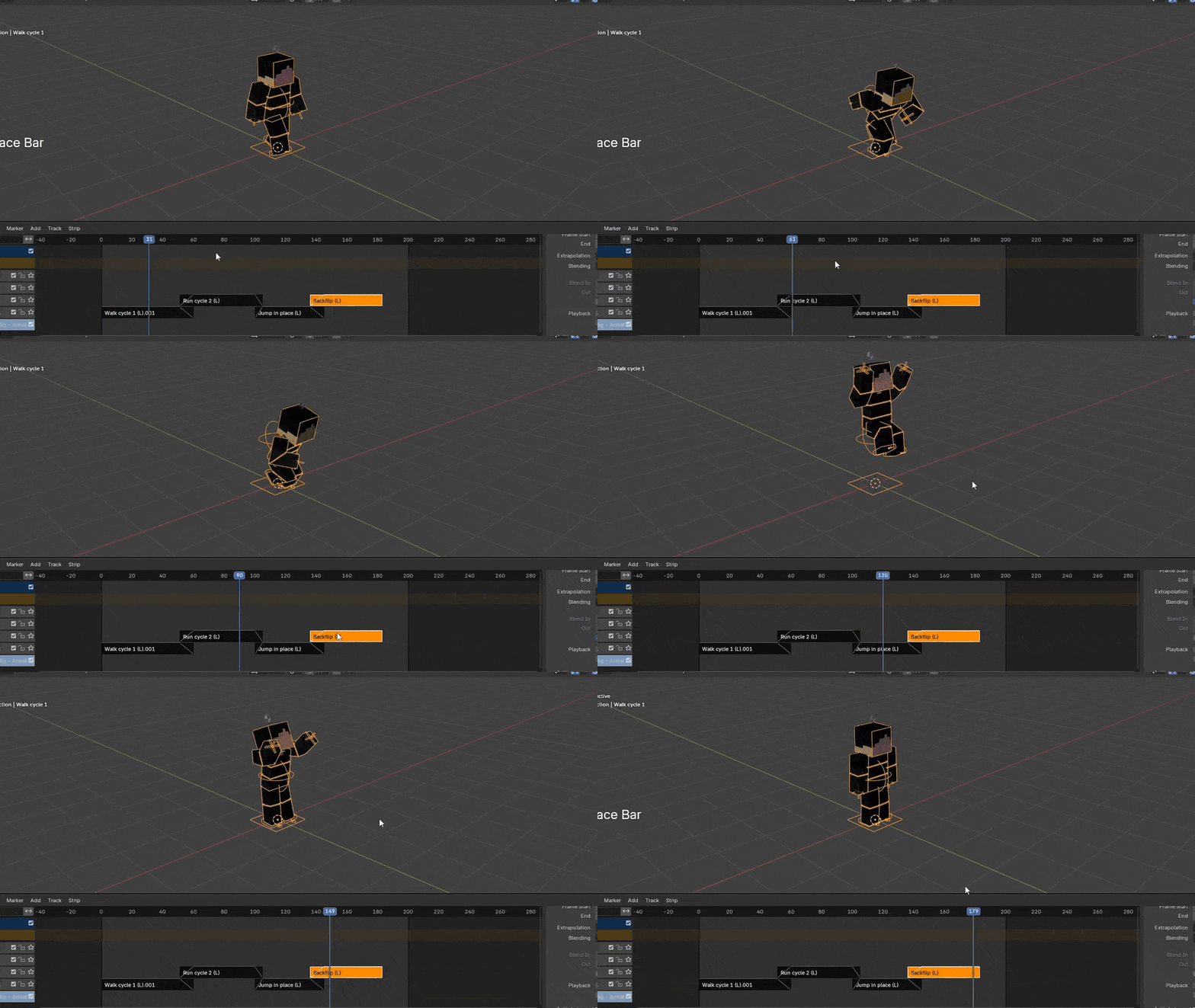
  • Walk Cycles - Animating from start to finish
  • Smoothing Animations (Quick Way)
  • Looping Walk Cycle and other animations
  • Making more variations of the walk cycles
  • Animation Library - Introduction and Installation
  • Animation Library - How to use it
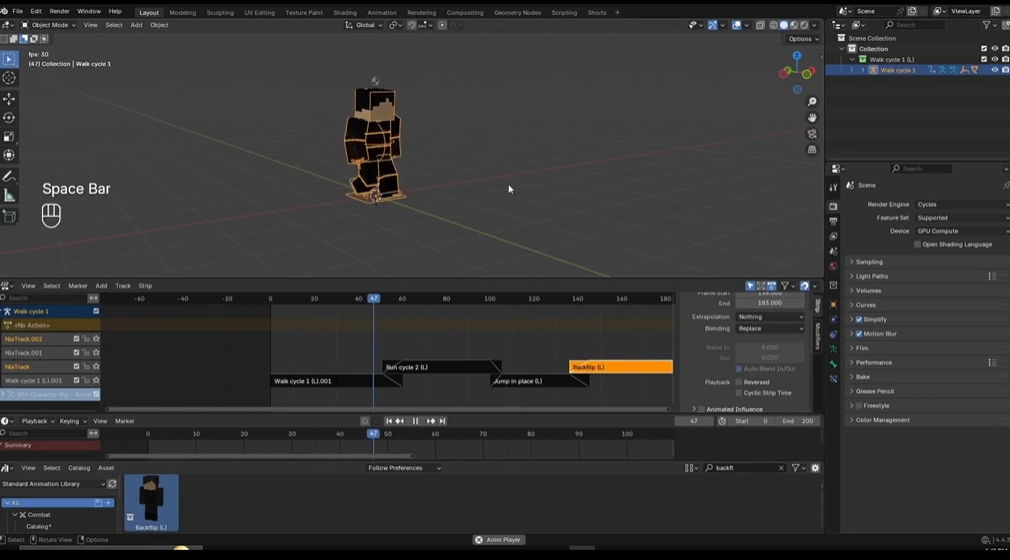
  • NLA Editor - Introduction
  • NLA Editor - Combining Animations
  • NLA Editor - Master Strip & Root Bone
  • NLA Editor - Replace vs Combine

Chapter 5: Cinematic Storytelling:

  • Cinematic Storytelling - Introduction
  • Storytelling
  • Finding Inspiration
  • Camera & Composition
  • Aspect Ratio
  • Filmic Effects
  • The 180° Rule
  • Cinematic Shot Angles
  • Extra Tips
  • Camera Movements
  • Camera Settings
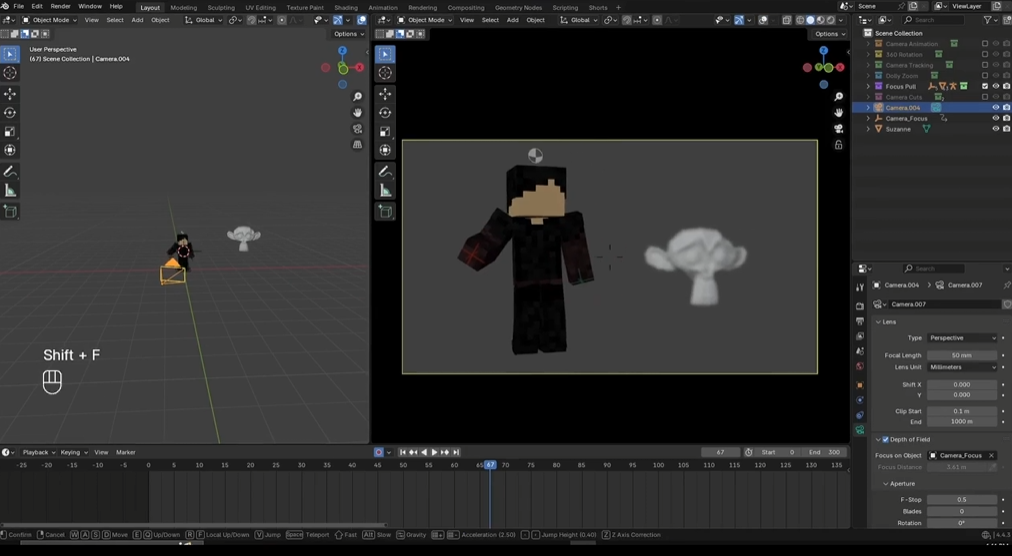
  • Camera Animation Tips (360° Rotation, Tracking, Dolly Zoom, Focus Pull, Cuts & Markers)

Chapter 6: Create a Full Minecraft Animation

  • My Minecraft Animation Workflow Template presentation (Pre-Production, Production, Post-Production)
  • Writing The Story
  • Extracting Assets from the story
  • Using AI For Assistance (Story Suggestions)
  • Creating The World In Minecraft
  • Exporting The Minecraft World
  • How To Export Nether And The End Dimensions
  • Importing The World In Blender
  • Organizing The Outliner
  • Editing The World
  • Optimizing The Scene
  • Importing Characters & Assets
  • Lighting (How to light environments and characters)
  • Light Linking
  • Attaching Lights To Characters
  • Eevee Render Settings
  • Improving Vegetation
  • Water Shader
  • Adjusting Necessary Settings
  • Compositing
  • Animation - Layout Pass
  • Animation - Animation Pass
  • Animation - Polishing Pass
  • Camera Shake Aniamtion
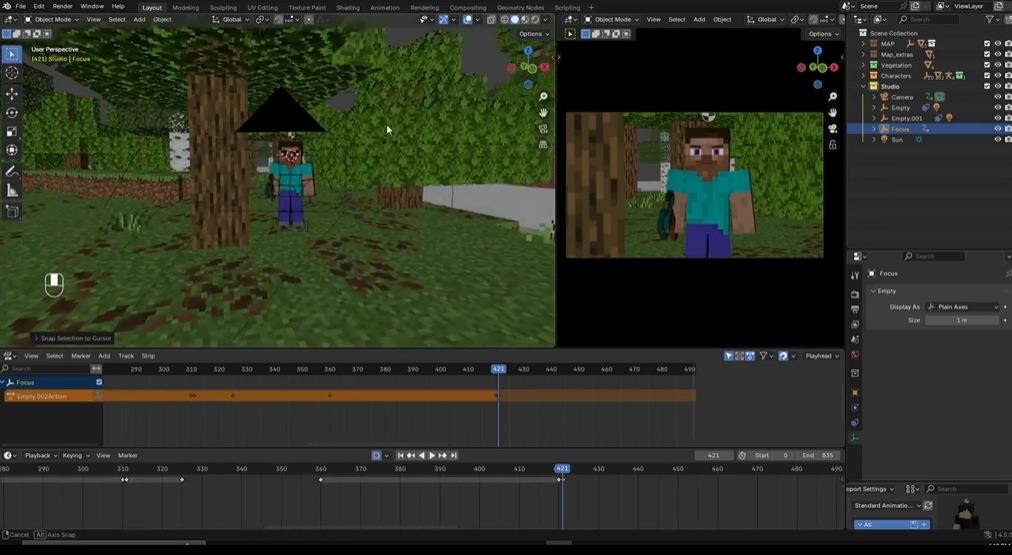
  • Adding Final Touches: Depth Of Field, Wind, Animating Lights, Keyframing Vector Blur)
  • Render Settings & Optimization
  • Output & Resolution
  • Rendering & Troubleshooting
  • Blender Minecraft Animation Startup File

Chapter 7: Video Editing & Post Production

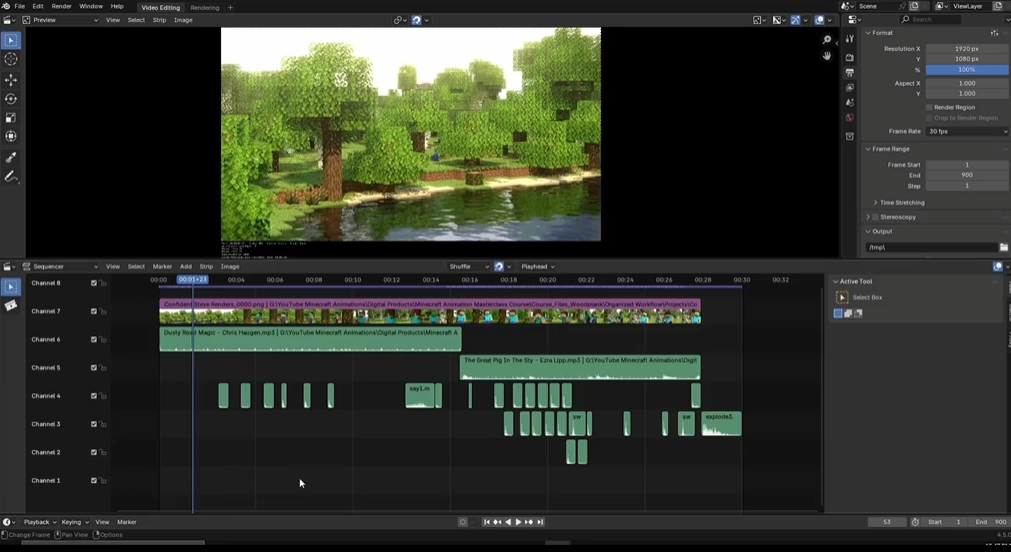
  • Video Editing - Getting started
  • How to get Free music and Sound FX
  • Sound Design
  • Rendering
  • Re-Rendering and Fixing Issues
  • Creating a Thumbnail
  • SEO - Title, Description, Tags
  • Uploading & Publishing
  • Finishing The Course: Congratulations!

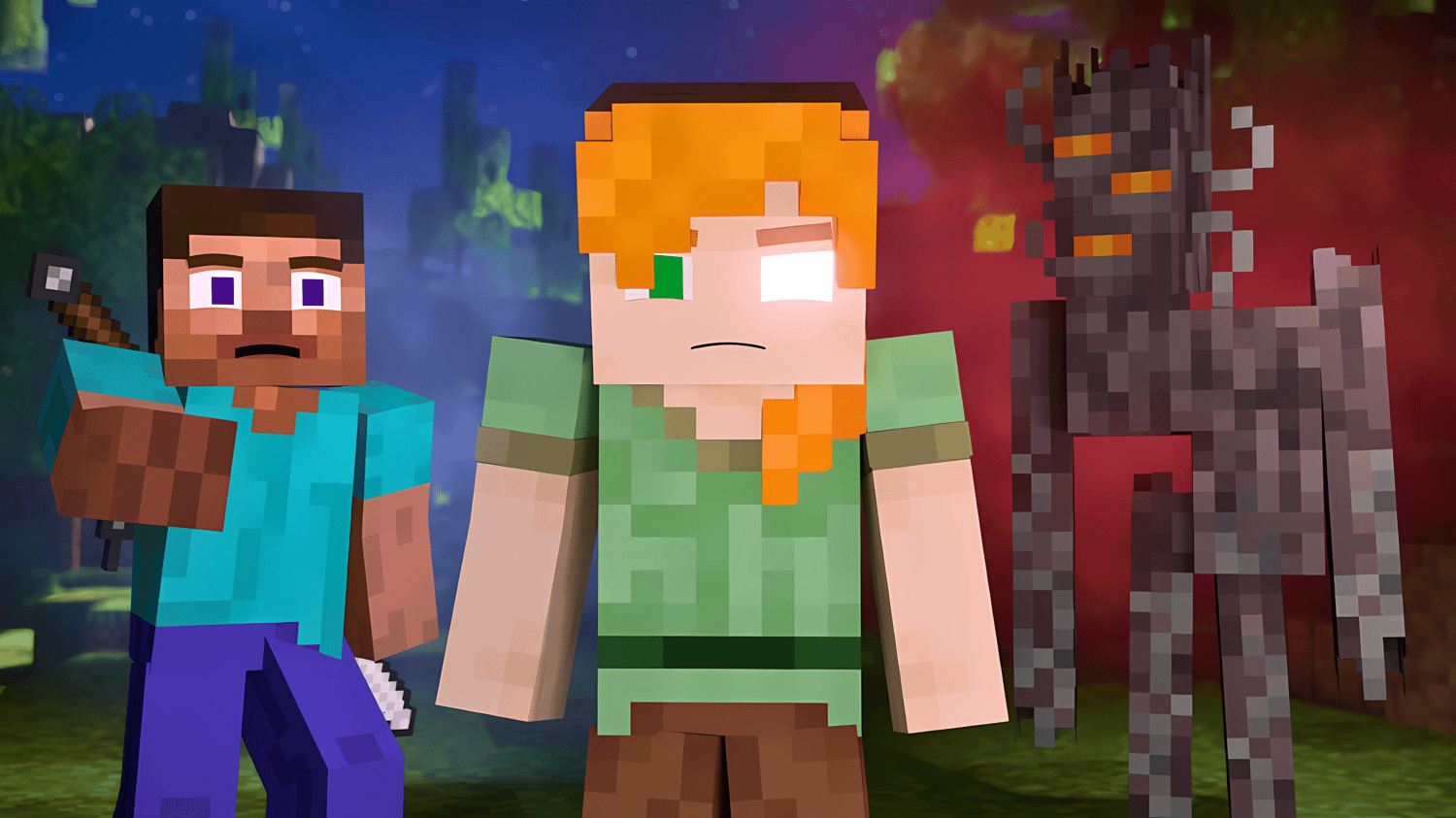
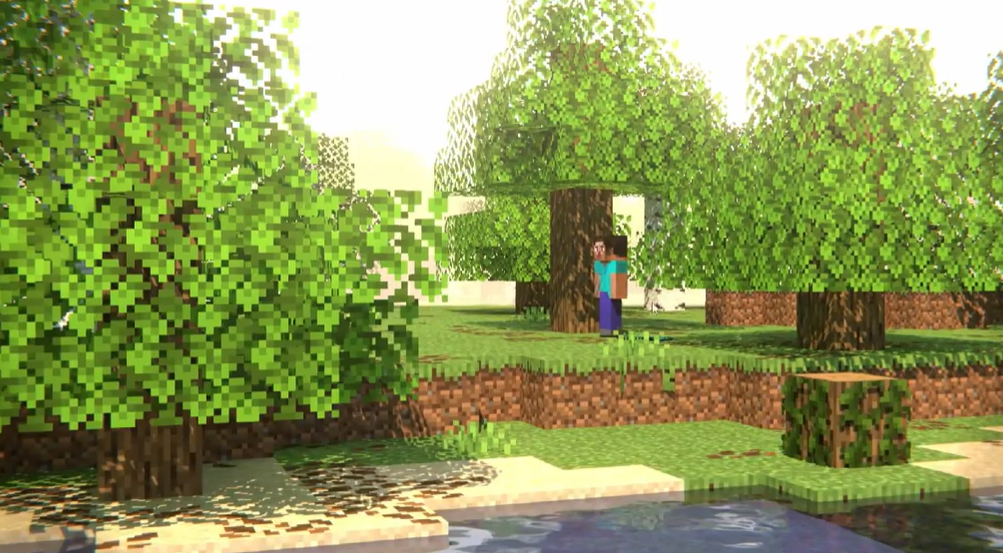
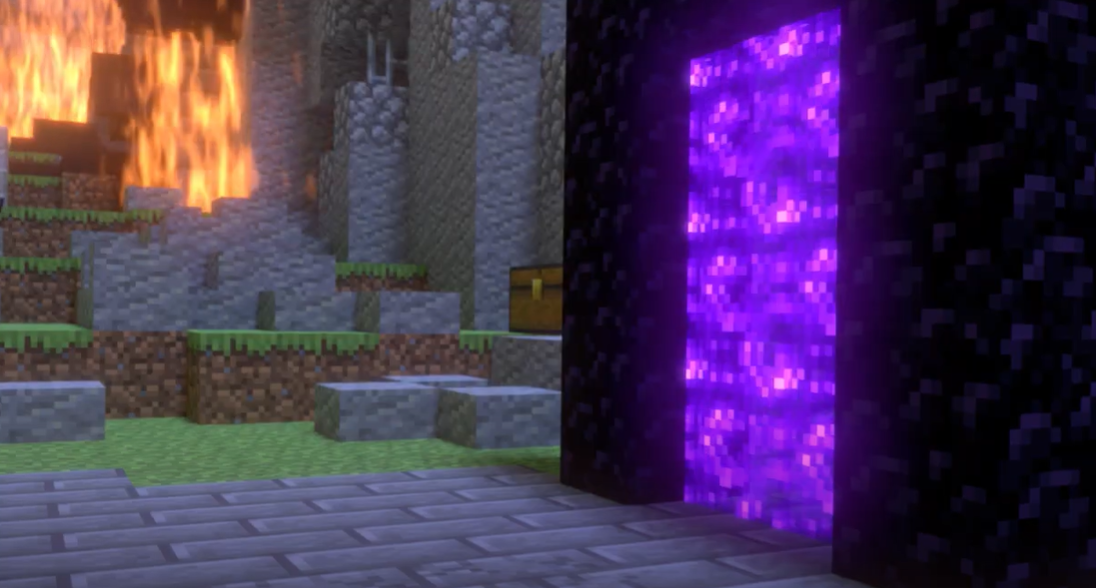
Learn How to Create This From Start to Finish!

  • Build a portfolio-ready animation
  • Follow a guided cinematic project
  • The ultimate proof of your skills

Student Results:

This was made by one of the course students - yybay. It was their first ever animation:

Start Learning Now

$59
One-time payment. Lifetime access.
No subscriptions.
Free future updates.

Customer Reviews

Sort
Write a Review

saepul

Verified Buyer

10 months ago

nice course animation

The course is good, but if possible, I would like it to be provided with Indonesian subtitles. Thank you.
Reply from creator

seckin

Verified Buyer

11 months ago

Excellent

Excellent and detailed course. Everything is explained step by step.
Reply from creator

Salem Alhedaib

Verified Buyer

11 months ago

Best course, worth the money

THIS IS THE BEST COURSE IVE EVER BOUGHT I SWEAR!!
WORTH THE MONEY, HYPE, TIME AND MORE!!
TYSM FOR KEEPING MY ANIMATION DREAM ALIVE!
BEST REGARDS,

KING MONT.
Reply from creator

Memesburg

1 year ago

Memesburg here

Hey Woodplank thank you for teaching me all this stuff about blender you really expired me man
Reply from creator

KB7

Verified Buyer

1 year ago

Wanna make minecraft animation?

Then check this out, guys. I still can't believe this amazing course costs only few bucks. Make your dream come true!
Reply from creator

Your Instructor - Temo (Woodplank)

Hey, I’m Temo (Woodplank). I am a Blender and 3D animation teacher on YouTube.


With years of experience running my YouTube channel, my goal is simple: To make Blender approachable, practical, and fun for all creators.


If you’re ready to bring your ideas to life and create something you’re proud of, you’re in the right place. Let’s get animating!

Course curriculum

Lifetime Access & Policy

Gain instant, lifetime access to all modules and future updates. Please note that due to the digital nature of the course and immediate access to all proprietary secrets, all sales are final.


Professional Licensing

All animation techniques, workflow templates, and project files provided in this Masterclass are licensed for personal, freelance, and commercial use. Whether you are building your own YouTube channel or animating for paying clients, you have full permission to apply what you learn here.

(Course content redistribution is prohibited).


This course is not an official Minecraft product. It is not approved by or associated with Mojang AB or Microsoft. All Minecraft assets used are for educational purposes.

Learn Animaton and support the Blender development

I pledge 10$ every month to Blender, to help in a tiny way, which makes me a Silver member.


Your purchase of the Minecraft Animation Masterclass course not only supports me, but also supports making Blender even better.
Start Learning Now

$59
One-time payment. Lifetime access.
No subscriptions.
Free future updates.